→
1 clip
Wasted spend
Video models bill by the second, most takes miss, and you only find out after paying.
The AI video ad studio
Write the script, frame every shot, and bring it to life, all in one place.
Runs in your browser. Nothing to install.

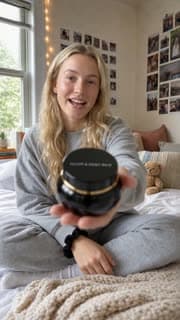
The problem, solved
Wasted spend
Video models bill by the second, most takes miss, and you only find out after paying.
› a 15s ad for a coffee app
The script
The idea lives in a chat window, miles away from the shots and the edit.
Too many tools
Six apps, a dozen downloads and a folder called final_v7.
Meet AdBeats
Script, stills, motion and the edit, in the same window, on the same timeline, at the same resolution. From a one-line brief to a finished cut without ever leaving the studio.
How it works
Describe the ad in a sentence. AdBeats writes the shot list and lays each shot on the timeline as a draft — the whole ad blocked out before you spend a thing.
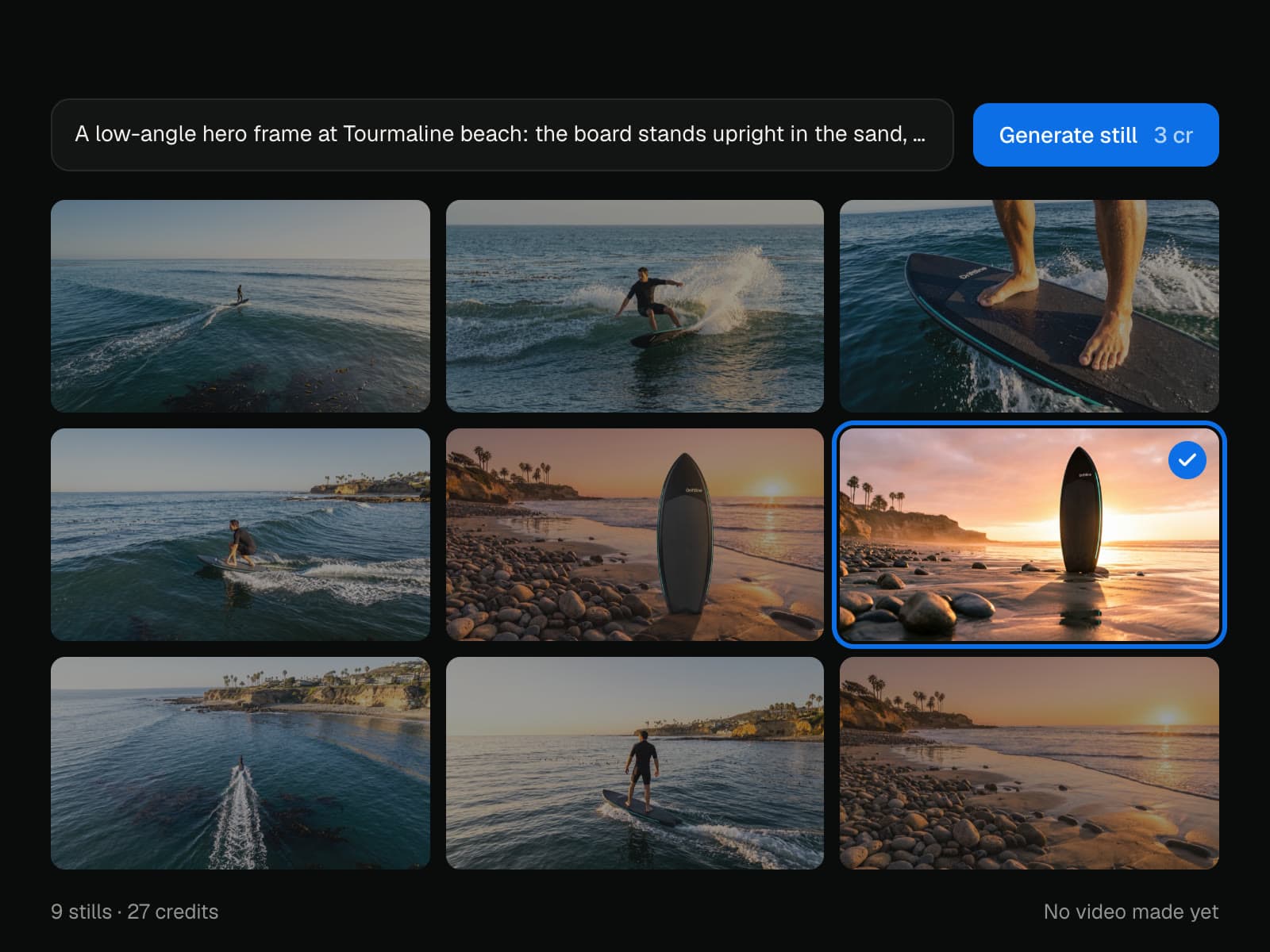
Turn each shot into a still in seconds. Try ten looks, keep the one that is right. Your ad plays as an animatic before a single frame of video exists.
Bring the approved frame to life. Motion is generated from the still you chose, so the clip looks like the shot you signed off — and you pay for it once.
A real editor, right there. A magnetic timeline, layers, text, trims and splits, reframing on the stage — and undo on everything.

Done? Then you are done. Or keep going in the editor your team already knows — the cut goes to Final Cut Pro or Premiere Pro, every clip and still to CapCut.
Final Cut ProPremiere ProCapCutFrame first
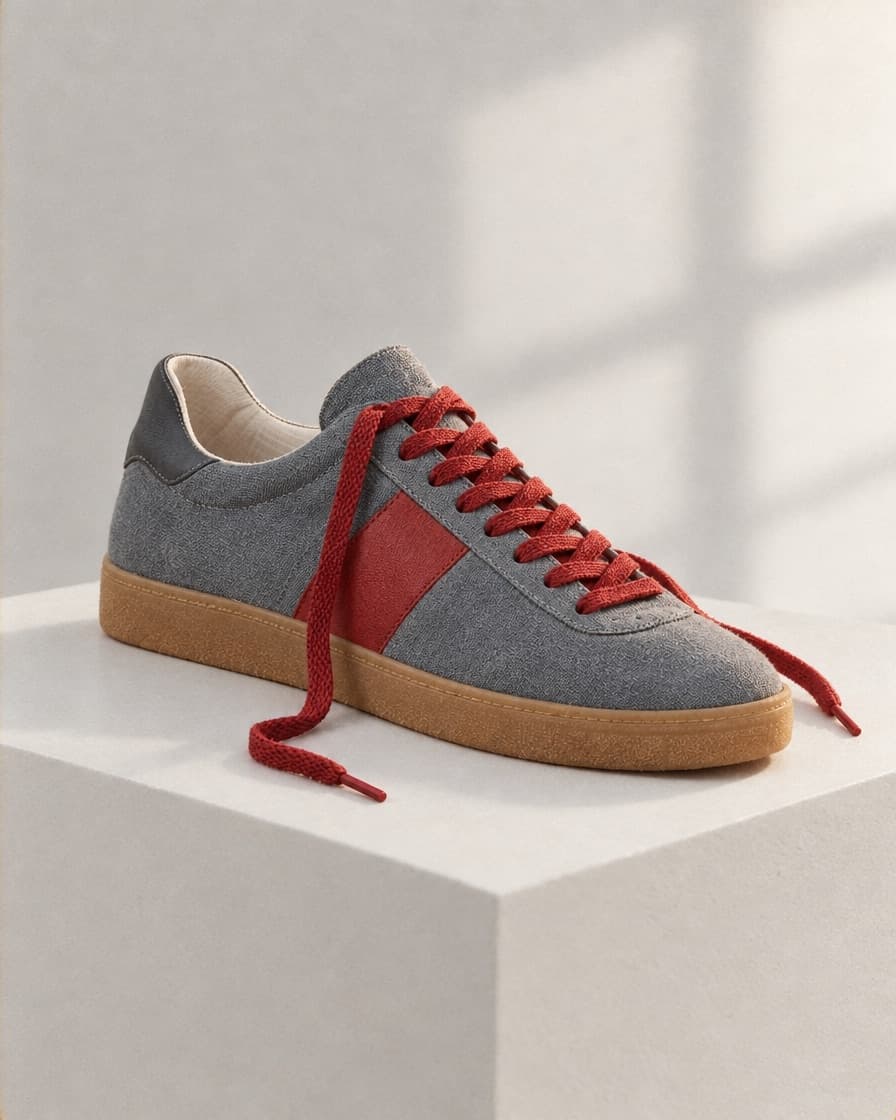
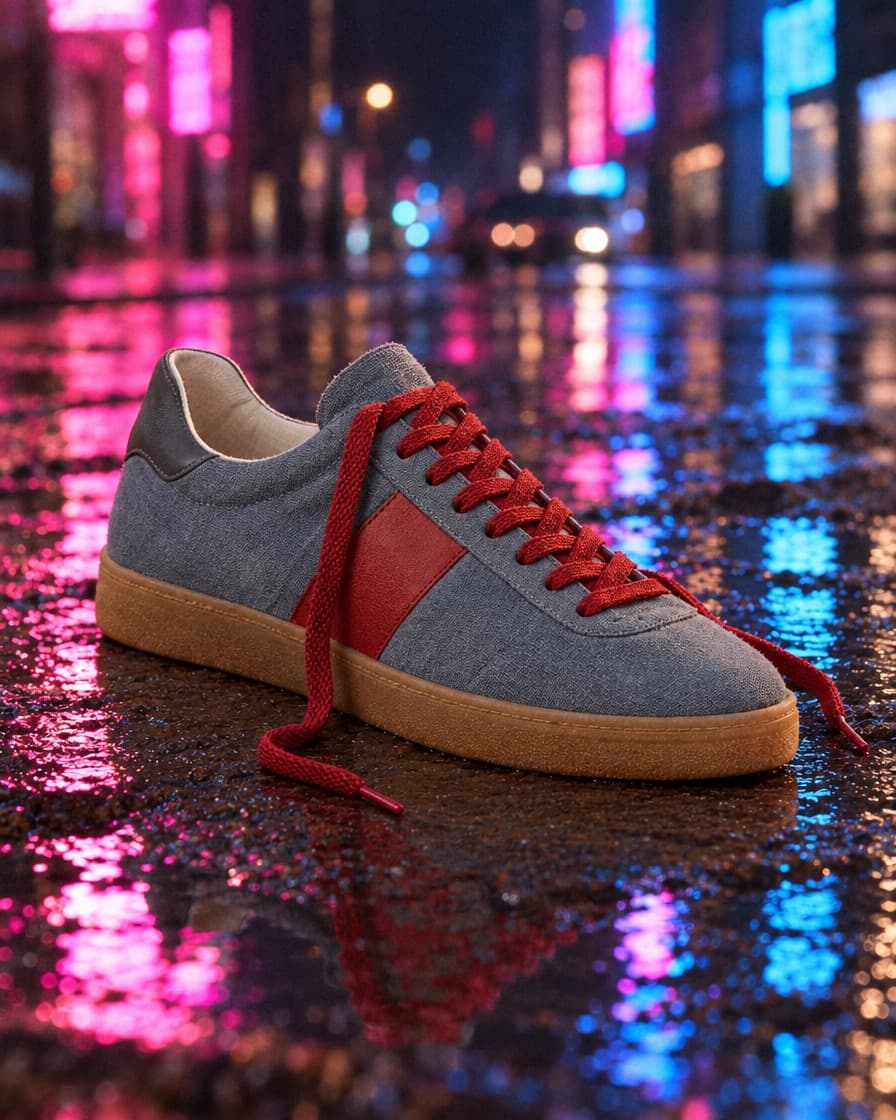
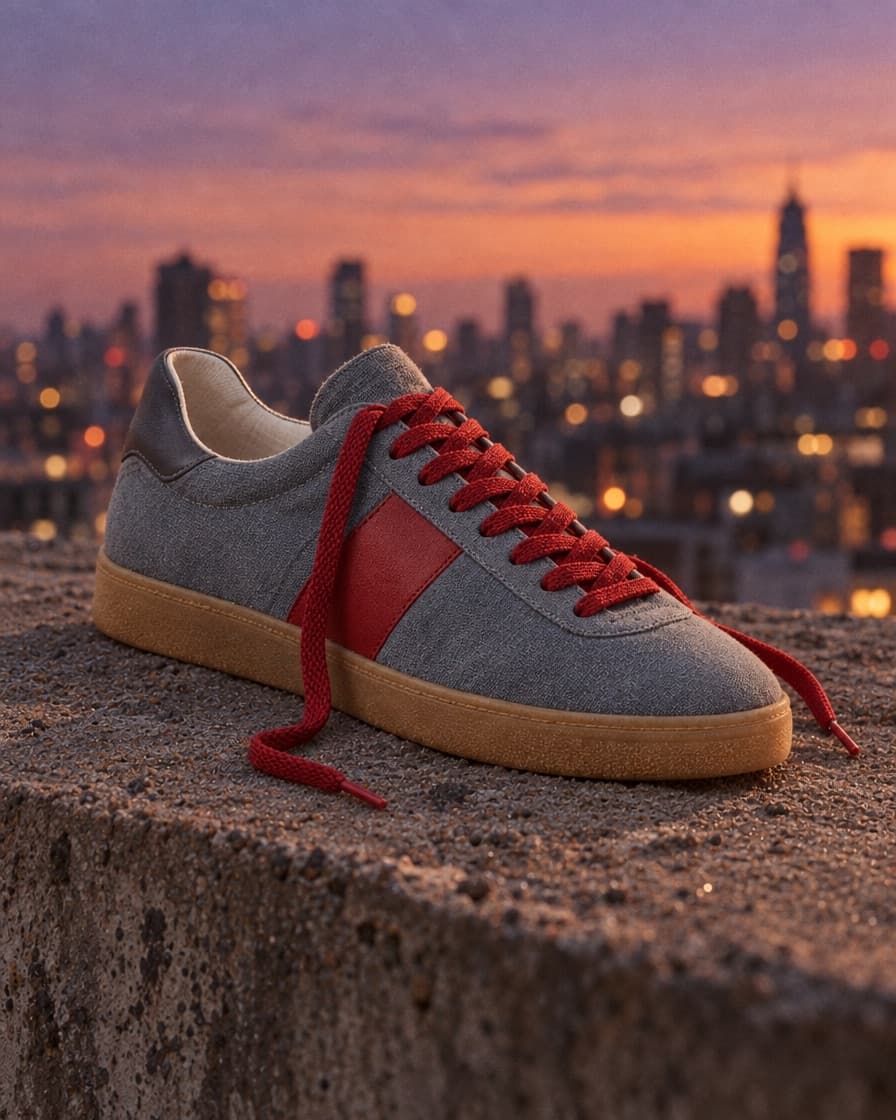
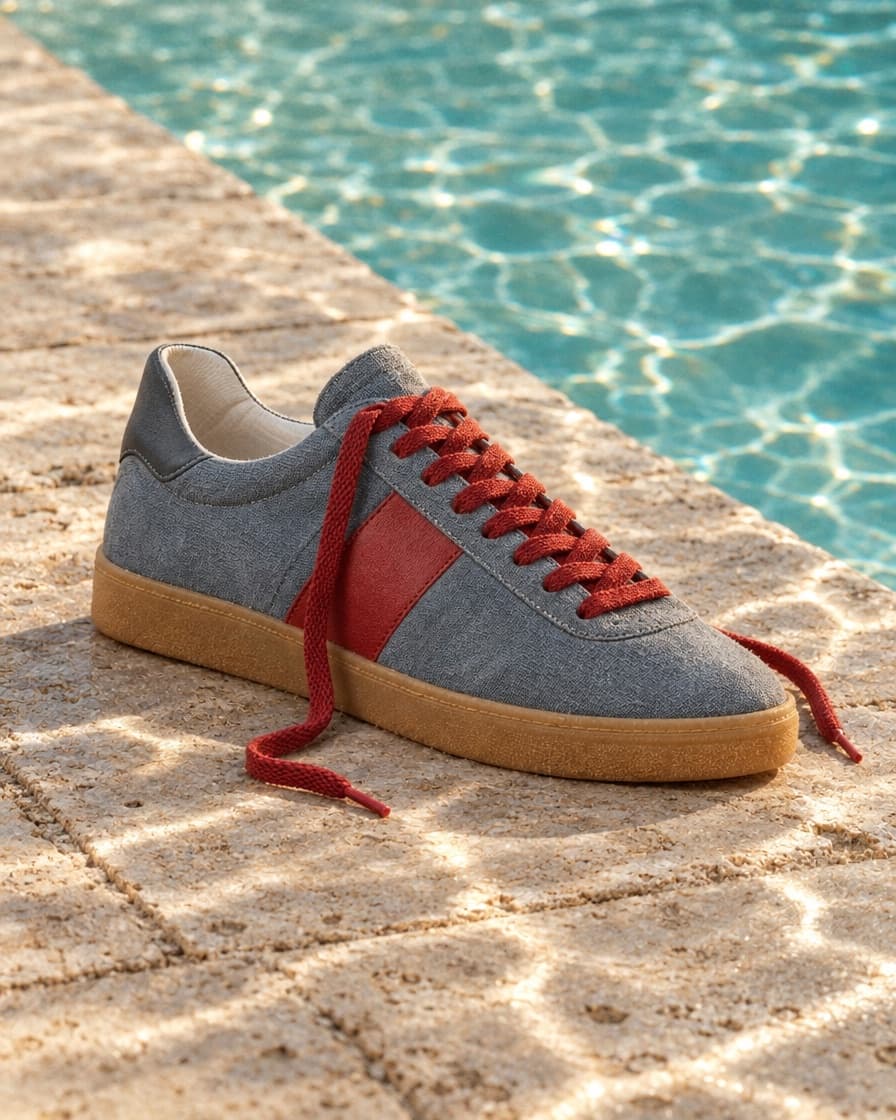
A still takes seconds. A clip takes minutes and costs many times more. So in AdBeats every video starts from a frame you have already approved — iterate where it is cheap, then generate motion once.

Just ask
Tell the chat what the ad is for. Paste a product page or an ad you like, and drop in photos or a song. It writes the script, lays out the timeline and makes the shots, with the same tools you use.
It asks before it spends.
Anything that costs credits waits for your Go ahead, with the price on it.
One undo takes it back.
Whatever it changed in the editor comes back with one ⌘Z.
Stop it any time.
It finishes the step it is on, and goes no further.
Cut every shot on the beat of my song.
Found the beats in the song
Trimmed each shot to end on one
Open on the feet shot, and make it 2 seconds.
Moved “Feet on deck” to the start
Trimmed it to 2.0 s
Fade the music out over the last 3 seconds.
Faded out the song over 3.0 s
Put “Ride the line.” over the last shot, big and centred.
Added the text over the hero shot
Zoom in on the board in the swell shot.
Reframed “Board slices swell” closer on the board
Pull the sound out of my clip and lay it under the ad.
Kept the sound as a file in Media
Put it on Audio 1
Caption everything that is said.
Waited for your Go ahead
Heard the sound in each clip
Laid the captions on the text lane
Make the sunset warmer. Keep the board as it is.
Waited for your Go ahead
Made an edit of the still
Swapped it into the hero shot
Make a 15 second ad for this product page with AdBeats.
Claude
ChatGPT
adbeats.ai/mcp
Connect
Connect AdBeats once and your assistant works the studio for you. It writes the script, makes the shots and cuts the ad together, without you leaving the conversation.
Add adbeats.ai/mcp as a connector and sign in. That is the whole setup.
It works as you. Anything that costs credits waits for your go ahead, with the price on it.
What it makes is in your studio. Open the ad in the editor and carry on by hand.
Everything in one place
Clips sit end to end. Drag one out and the gap closes itself; drop it back and it finds its seam.
9:16, 4:5, 1:1, 16:9 — switch the whole ad at once, up to 1080p.
› a 15s ad for a coffee app
Turn a one-line brief into a shot list, or sharpen any prompt in a click.
Logos, stickers and picture-in-picture above the main track, each exactly where you put it.
Every cut, trim and reorder. Press ⌘Z and it is back — saved, not just on screen.
Pinch, drag and zoom each shot right on the picture, and it holds in every ratio.
What made each still and clip is saved with it — the prompt, the model, the settings.
A full editor in a browser tab. Open it and start cutting, on any machine.
Finish anywhere
AdBeats makes the whole ad. But if your team lives in another editor, take the cut with you and keep going there — nothing is locked in.
Cuts, trims, layers and text open where you left them in Final Cut Pro, Premiere Pro and CapCut.
Each still and clip at the resolution it was made, named and in order, beside the project.
Finish in AdBeats, or hand off for colour, sound and the last ten percent.
Final Cut Pro
Premiere Pro
CapCut
Your next ad
Script it, frame it, animate it and cut it — in one studio. Your first ad is a few minutes away.
Free to start · Runs in your browser · Already have an account? Sign inGo to studio